Marbleverse
A downloadable game for Windows and Linux
It is highly recommended to play this with a game controller, but mouse and keyboard do work. The controls are detailed in the Options menu.
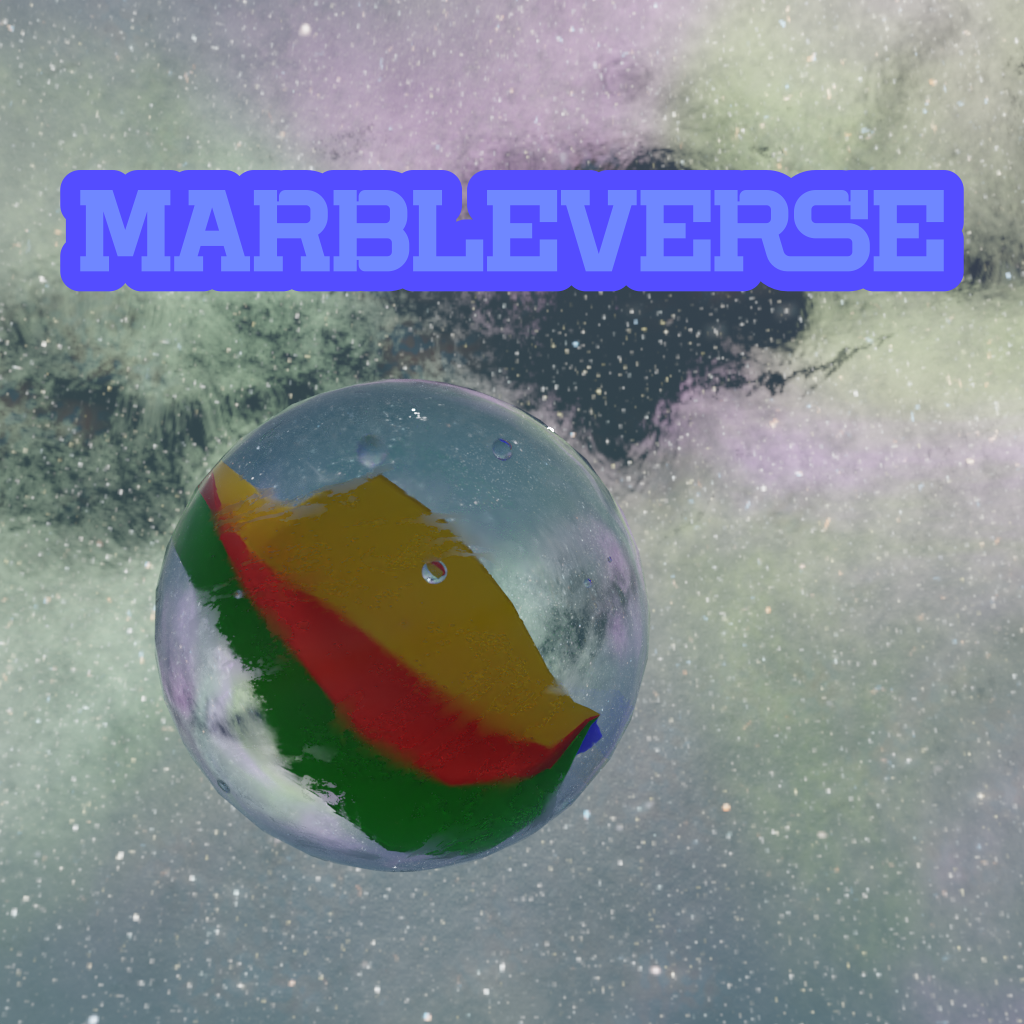
Marbleverse is a platfomer game where you are a rolling marble in space. You are not bound by normal character controllers, instead moving imparts angular torque, and together with friction, you can move around.
There are currently three levels:
- Level 1 - Roll around on asteroids and kill all other marbles
- Level 2 - Classic Roblox Obby
- Level 3 - The Battle Against Father Marble - Father marble is now mad you killed all 57 of his children in level 1. That is of course only true if you play the levels in order.
I wanted to make 3 more and make them all better, but I ran out of time due to spending 2 days getting the options menu to not crap its pants whenever it is used and 1 entire day just creating the disk/rounded edge cylinder shapes you see.
I was going to make a build for mac, but for some reason I had to do a lot of extra work for that so I gave up. There are builds for windows and linux, for 64 and 32 bit x86 processors. I did not test the windows one as I developed this on linux. The linux one has been tested.
I don't really plan on updating this, it was more to just do my first game jam. I created this for the Juniper Dev Game Jam, where the theme was "spin to win." I felt this fit the theme because the player must spin/roll around to get to the end, and since the end is the win, you spin to win. Be advised, you might experience "low quality syndrome" from just hitting play.
Credits for legal reasons: (I haven't uploaded a game before so excuse me if I did this wrong)
- Incompetech/Kevin MacLeod - music
- AmbientCG - Ground and sky textures
- Pixabay - Sound effects
Download
Install instructions
Download and run the executable file. Keep the libluagdextension.windows.template_release.x86_64.dll (or libluagdextension.linux.template_release.x86_64.so for the linux build) in the same folder as the executable, it is needed to allow the lua scripts to run.
Leave a comment
Log in with itch.io to leave a comment.